
Scene-based prompt
Beat for a reflective late-night city recap with medium motion, clean drums, and enough space for narration
Use scene notes when the beat exists to support a visual or story moment.
Use this guide when you want to turn ideas, scene notes, and references into prompt-based music beats you can review and refine quickly.
Making music beats with AI works best when you give the model enough signal to understand the project, but not so much that the prompt collapses into contradictions. The practical middle ground is to describe the job, the feel, and the references that actually matter, then let the first beat teach you the next decision.
Beat for a reflective late-night city recap with medium motion, clean drums, and enough space for narration
Use scene notes when the beat exists to support a visual or story moment.
Modern beat with confident movement and a polished finish for a creator demo, but keep it instrumental and easy to review
Reference the feel and job, not just a genre label.
Verse-ready beat with a steady pocket and enough lift for a short hook section
Use narrower wording when the beat already clearly belongs on a spoke page.
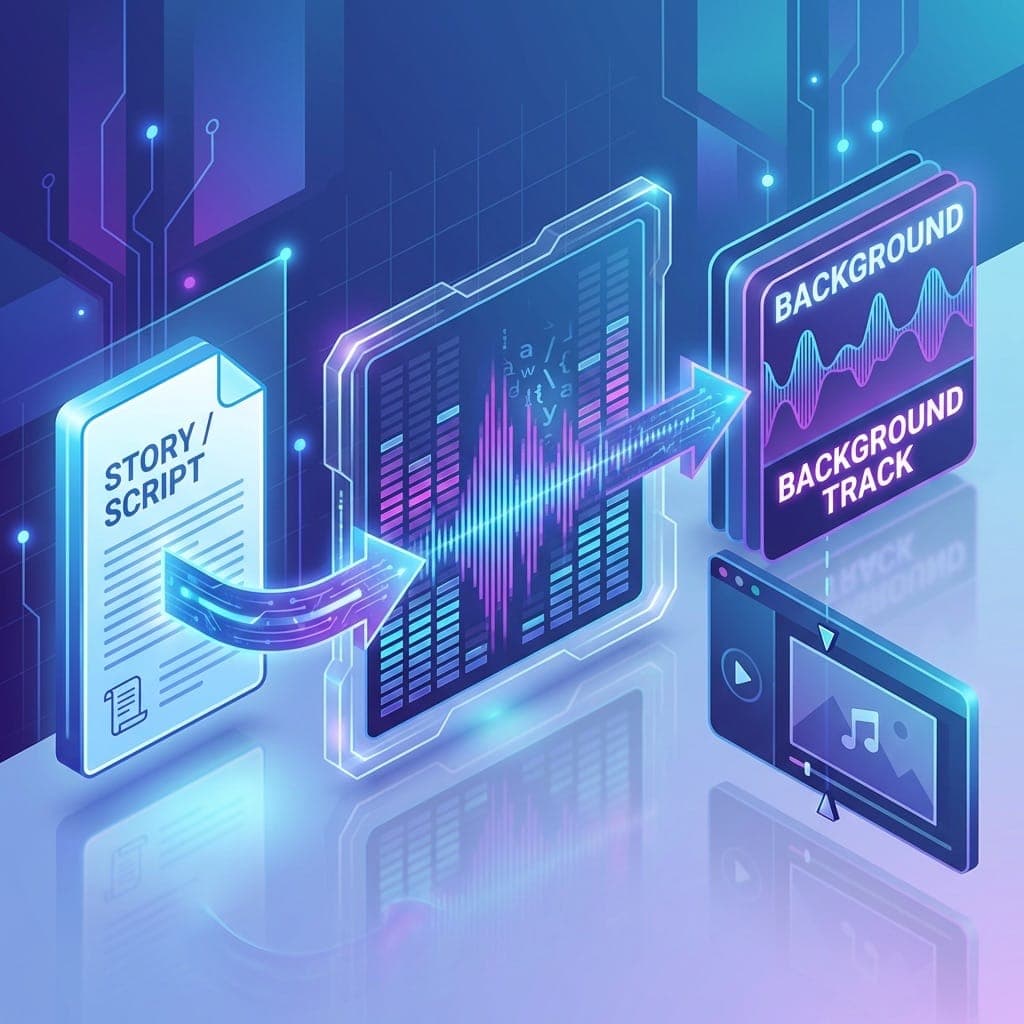
Start with the project job, then add mood, pace, and one or two references that sharpen the direction. This usually works better than dumping a long list of genres and adjectives into one crowded prompt.
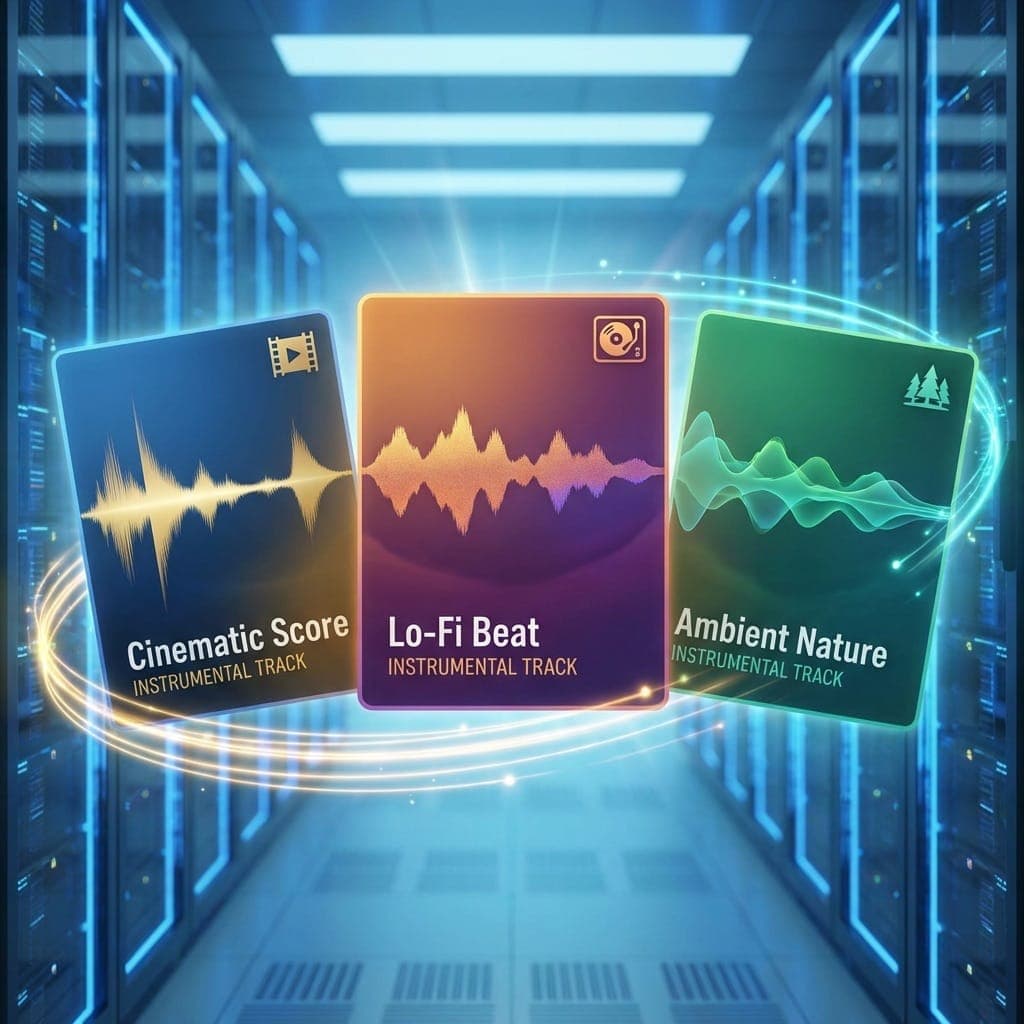
This guide is useful when you know the scene, the project, or the motion you want, but not the exact beat label yet.
Add practical signal like what the beat supports, how it should move, and where it has to leave room, rather than stacking more adjectives.
The goal is a beat you can judge and refine quickly, not a final release-ready production in one jump.
Use the guide to get a first beat, then let that result tell you whether the next best page is rap, trap, video, podcasts, or something broader.
Go to the AI Beat Maker homepage when you want the main prompt-to-beat workflow that this guide is describing.
AI Beat MakerUse the rap page when the first beat clearly wants more lyrical space and verse support.
Rap Beat MakerGo to the video page when the beat is more about scene support and edit pacing than general listening.
Beat Maker for VideosUse the free page when you want to test whether the prompt is specific enough before you care about paid workflow details.
Free Beat MakerThe first beat should reveal the next move. Keep the winning behavior, then move into rap, trap, creator, or AI Beat Maker depending on what the result is telling you.
Open AI Beat MakerDescribe the project job, mood, pace, and one or two useful references, then aim for a beat you can review quickly instead of trying to finish everything in one pass.
They often go generic when they only list genre words or adjectives without saying what the beat must actually do inside the project.
No. A better approach is to get a reviewable first beat, then use the result to decide which part of the cluster deserves the next iteration.
Move when the first beat shows a clear direction, such as lyrical space for rap, darker pressure for trap, or a creator-specific use case like videos or podcasts.
Yes. This page is about turning ideas and references into music beat prompts, while the other guides focus more on the overall workflow or the first beginner beat.