
Creator hook
Fast beat for a creator intro reel with immediate energy, quick transitions, and enough punch for the first three seconds
Short-form prompts should describe how quickly the beat needs to land.
Make beat drafts for reels, shorts, and creator intros when the track needs fast pacing, short-form lift, and enough movement for quick edits.
This page is for creator workflows where the beat has to land quickly. Use it when the project needs a fast hook, short-form pacing, and enough motion to help a reel, short, or creator intro feel more deliberate in the first few seconds.
Fast beat for a creator intro reel with immediate energy, quick transitions, and enough punch for the first three seconds
Short-form prompts should describe how quickly the beat needs to land.
Modern beat for a short product reveal video with bright movement and a clean, high-energy finish
Use this page when the beat must support fast mobile pacing.
Beat for a lifestyle short with steady motion, upbeat feel, and room for quick captions and cut points
Short-form jobs usually need less narrative buildup and more immediate movement.
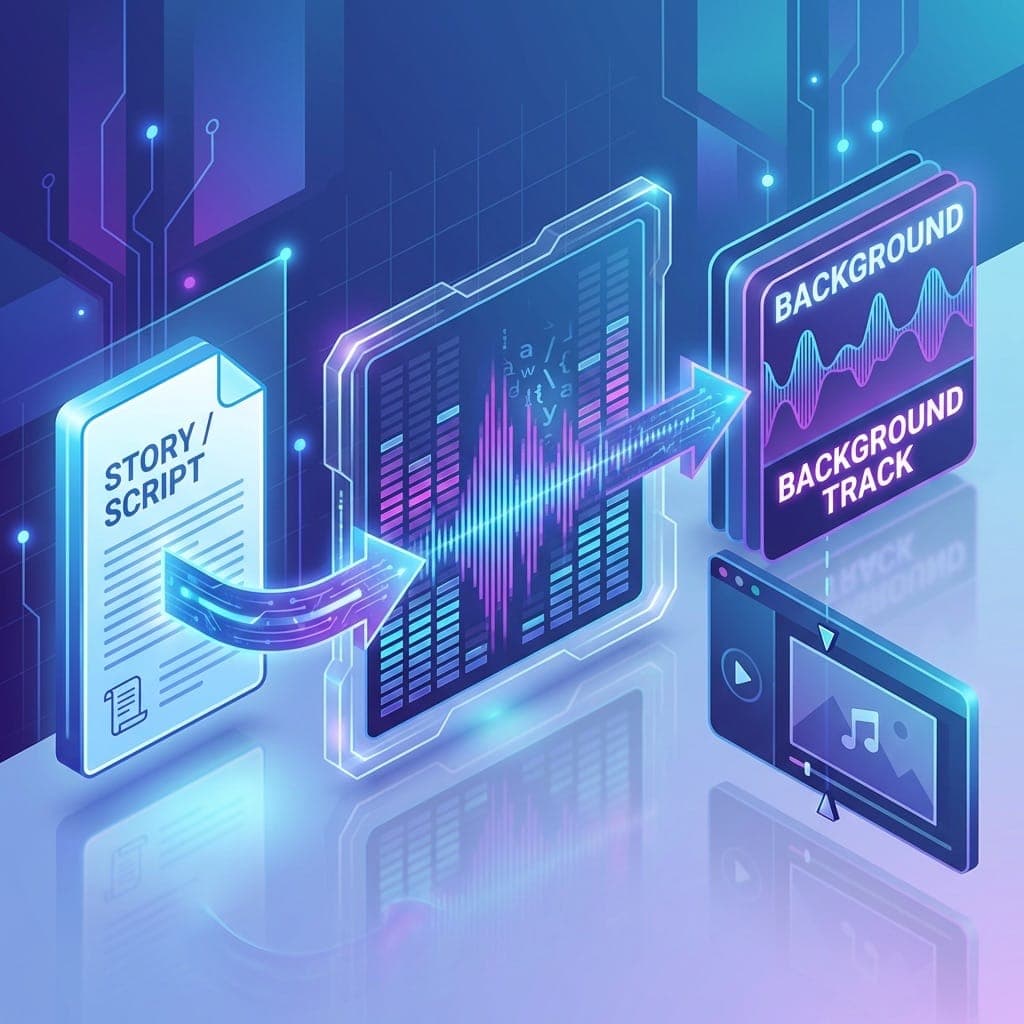
Social prompts usually work better when you describe speed, hook timing, transition pressure, and whether the beat should feel bright, aggressive, or controlled under short edits.

Use this page when the beat needs to make the content feel alive in the first seconds instead of waiting for a long setup.
A social-first beat helps fast promotional edits feel tighter because the prompt can focus on hook timing and motion.
Choose this page when the beat should support a burst of visual motion without pretending to be a full song.
This page works best when the edit is quick, mobile, and hook-first instead of longer and more cinematic.
Move to the video workflow when the project becomes more cinematic, longer, or more dependent on scene progression.
Beat Maker for VideosSwitch to EDM when the short-form beat needs more lift, cleaner builds, and brighter movement than this page alone.
EDM Beat MakerUse the AI Beat Maker homepage if the social job opens back up and no longer needs a short-form-specific landing page.
AI Beat MakerUse the free page when you want to test a few short-form prompts before you care about paid workflow details.
Free Beat MakerWhen the beat has to hit quickly and help a reel or short feel tighter from the first seconds, this page gives you the clearer starting point. Build the short-form beat first, then branch into EDM, video, or AI Beat Maker if the project needs something else.
Make a beat for social mediaAI Beat Maker owns the broad homepage workflow for open briefs. This page assumes the beat is already for short-form creator content, reels, shorts, or hook-first edits.
Yes. Social prompts usually improve when you describe how quickly the beat needs to hit and how much movement the opening seconds require.
Use the video page when the project is longer, more cinematic, or more dependent on scene progression than on short-form hook timing.
Yes. If the short-form review shows the beat needs brighter lift or more build-driven motion, move into the EDM page.
Yes. You describe the short-form job and desired motion in plain language, and the workflow turns that into a social-ready beat draft.